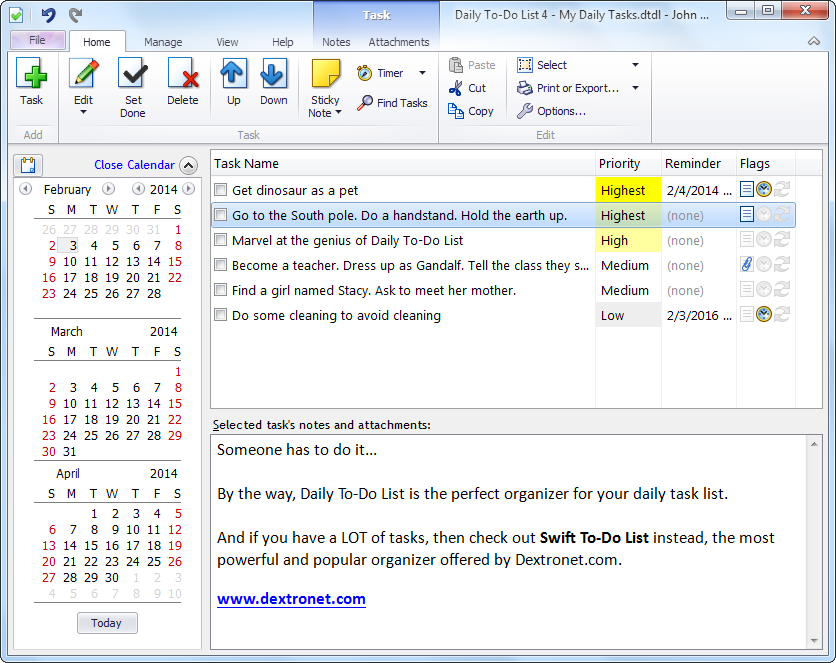
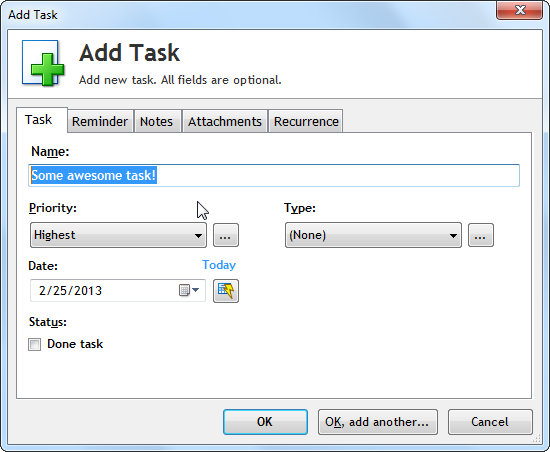
Importing Daily To-Do List tasks into Swift To-Do List
It is now possible to easily upgrade from Daily To-Do List to Swift To-Do List.
The process differs for Daily To-Do List version 3 and prior versions. This page provides instructions for both cases.
Importing Daily To-Do List 1.xx and 2.xx data
You can import all your Daily To-Do List tasks directly into Swift To-Do List with just a few clicks.
The tasks are imported complete with notes, categories, priorities. Recurring tasks are imported as well. Reminders are imported, too. The only thing that is not imported is the order of your tasks.
How to import into Swift To-Do List:
- First, download and install the latest Swift To-Do List
- Then, run Swift To-Do List
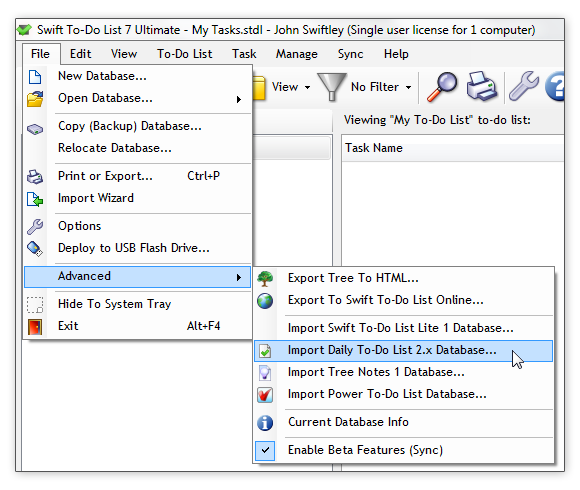
- Finally, use menu File - Advanced - Import Daily To-Do List 2.x Database
- Swift To-Do List will automatically find your Daily To-Do List database for you.
- A new to-do list with your imported tasks will be created in the current Swift To-Do List database.
Importing is 100% safe and automatic. It won't affect or modify your original Daily To-Do List database in any way.
If you wish, you can even run Daily To-Do List in parallel with Swift To-Do List. These 2 programs won't conflict in any way. Additionally, even if Daily To-Do List is not installed, you will still be able to import your Daily To-Do List tasks.
Importing Daily To-Do List 3 data
To import data from the new Daily To-Do List 3, do the following:
- In Daily To-Do List, use menu File - Advanced - Current Database Info. Note the location of your database file.
- Fully exit Daily To-Do List using menu File - Exit.
- Optional but recommended: Uninstall Daily To-Do List. To do that, use Add/Remove Programs in the Windows' Control Panel.
- Download and install the latest Swift To-Do List.
- In Swift To-Do List, use menu File - Open Database - Browse...
- In the Open Database window, select "All Files".
- Navigate and open your Daily To-Do List database file, which you noted in Step 1.
- When asked if to make it the default database, click Yes.
Please note that you can't run both Daily To-Do List and Swift To-Do List with the same database file. If you want to run them both, you need to copy the file somewhere else first, while both are shut down.

 Tree Notes
 FastPaste
 Mind Collected


 Swift To-Do List 11
 Swift Mind Freedom
 Meta Productivity
 Daily To-Do List